 Lexicon
Claude and MCP apps
Connect Lexicon once with your account's address and token. Your AI can save words and quotes, look up what you've saved and quiz you.
Works with Claude and your AI tools
 Lexicon
Hear a word you don't know? Tell your AI to save it. Lexicon looks it up, puts it on your widget and brings it back until it's yours.
Your AI, your words
Go about your day. When a word stops you, tell the AI you already use. Lexicon fills it in, puts it on your widget and quizzes you until it sticks.
In a book, a meeting, a podcast or a conversation. Anywhere you hear one you don't know.
One sentence to Claude or any app that speaks MCP. Lexicon adds the meaning, examples and origin.
It shows up on your widget, then comes back in review until you know it for good.
Connect Lexicon once with your account's address and token. Your AI can save words and quotes, look up what you've saved and quiz you.
Send your whole notebook to your Obsidian vault as Markdown, or paste a note of words in and Lexicon fills them all.
Grow
Save, see, review, use. The same small loop every day turns words you've met once into words you use without thinking.
The app
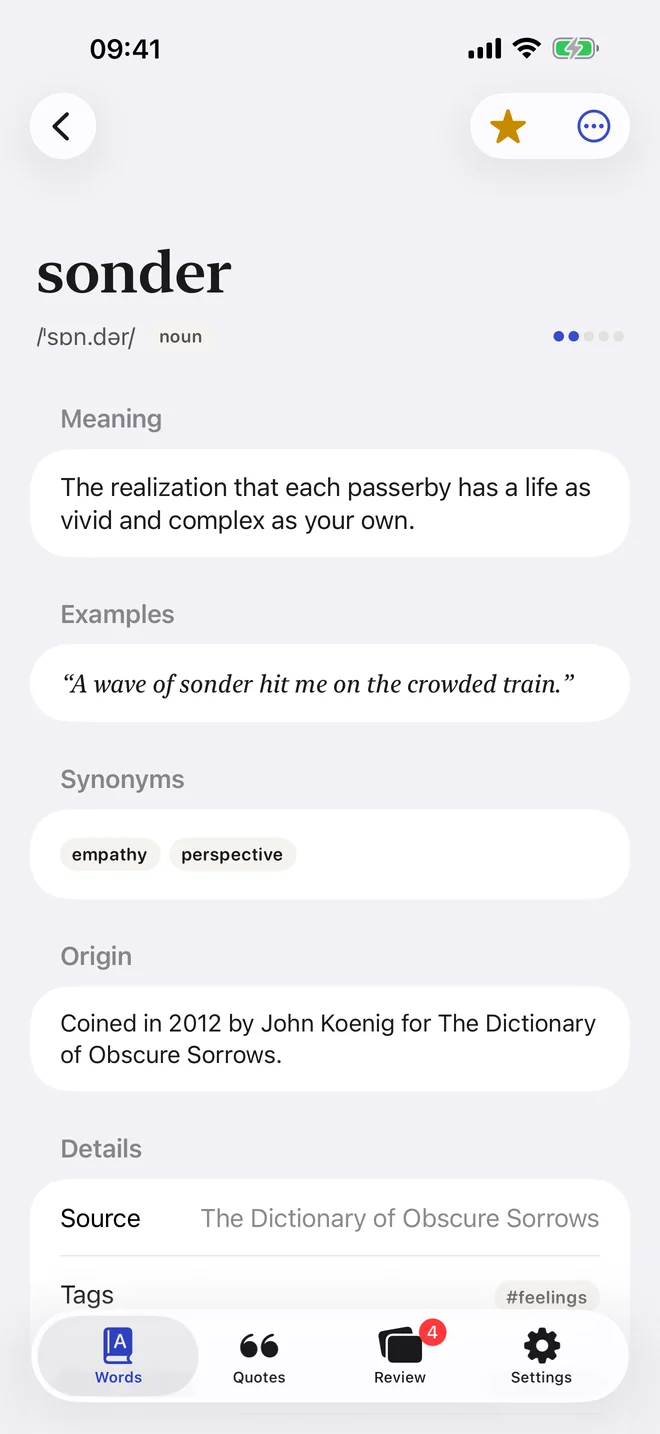
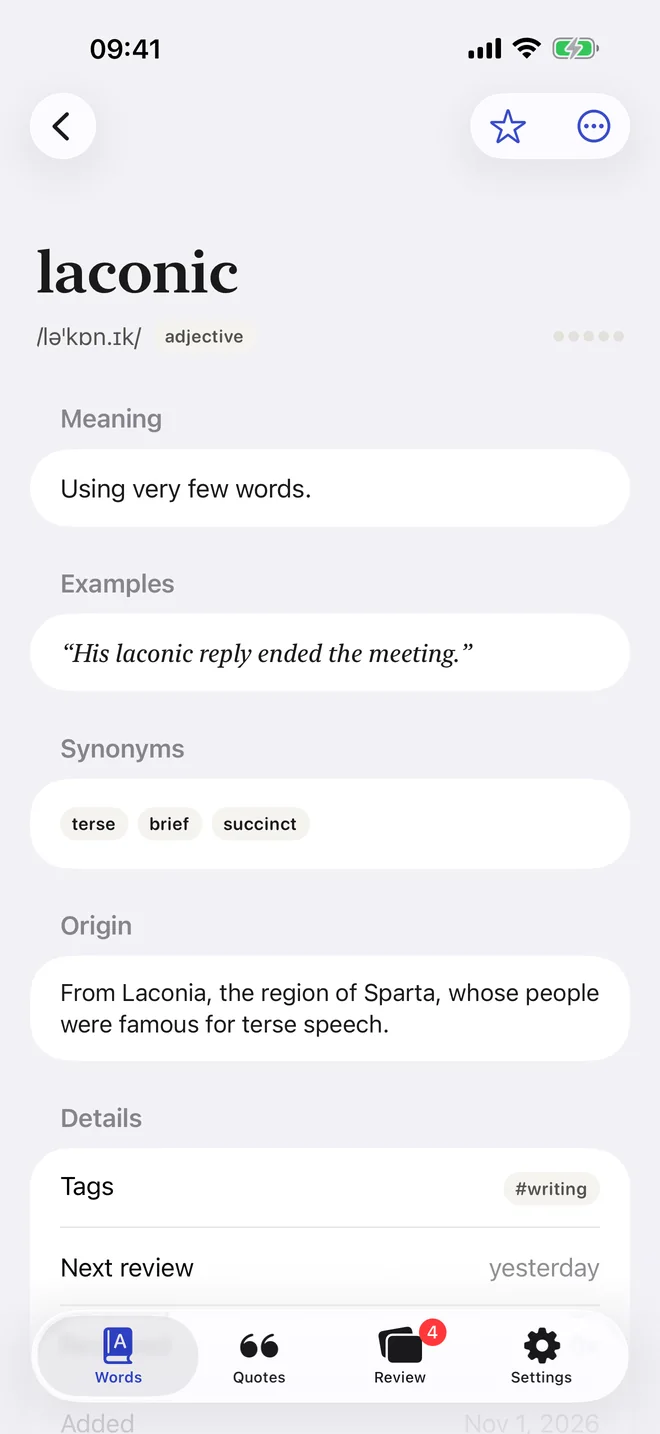
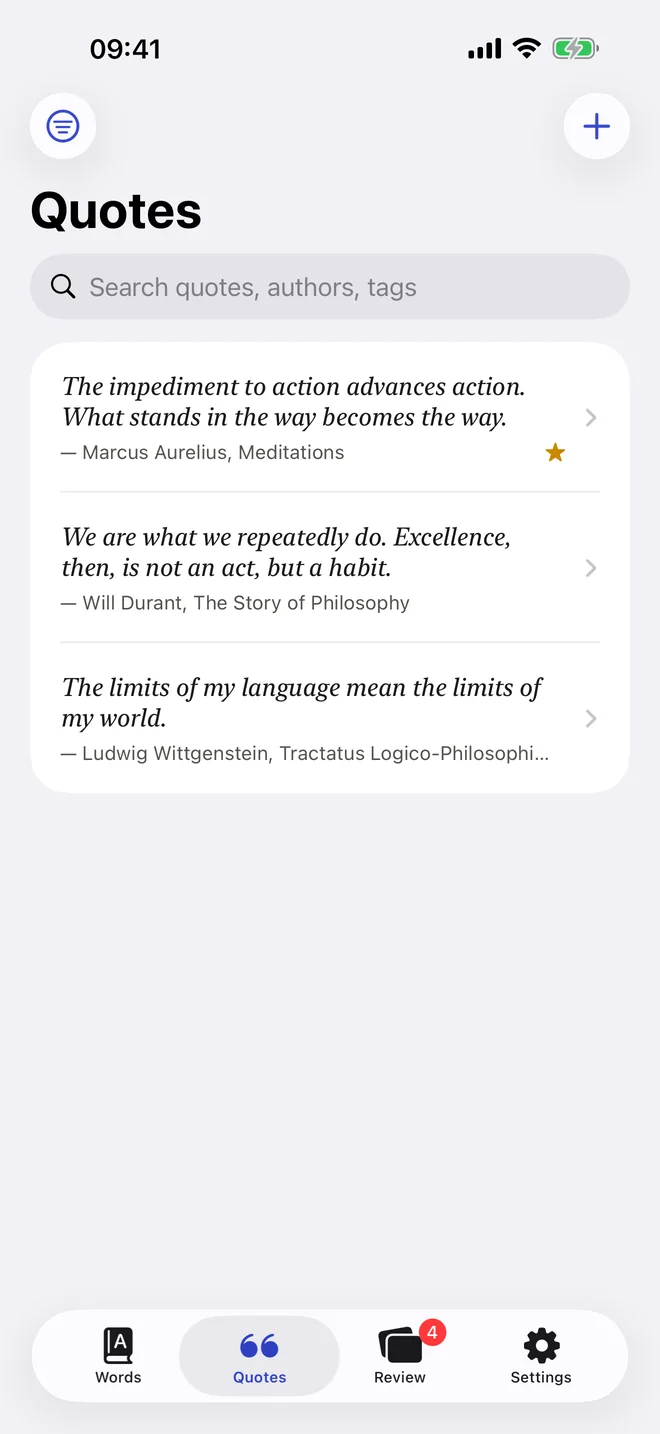
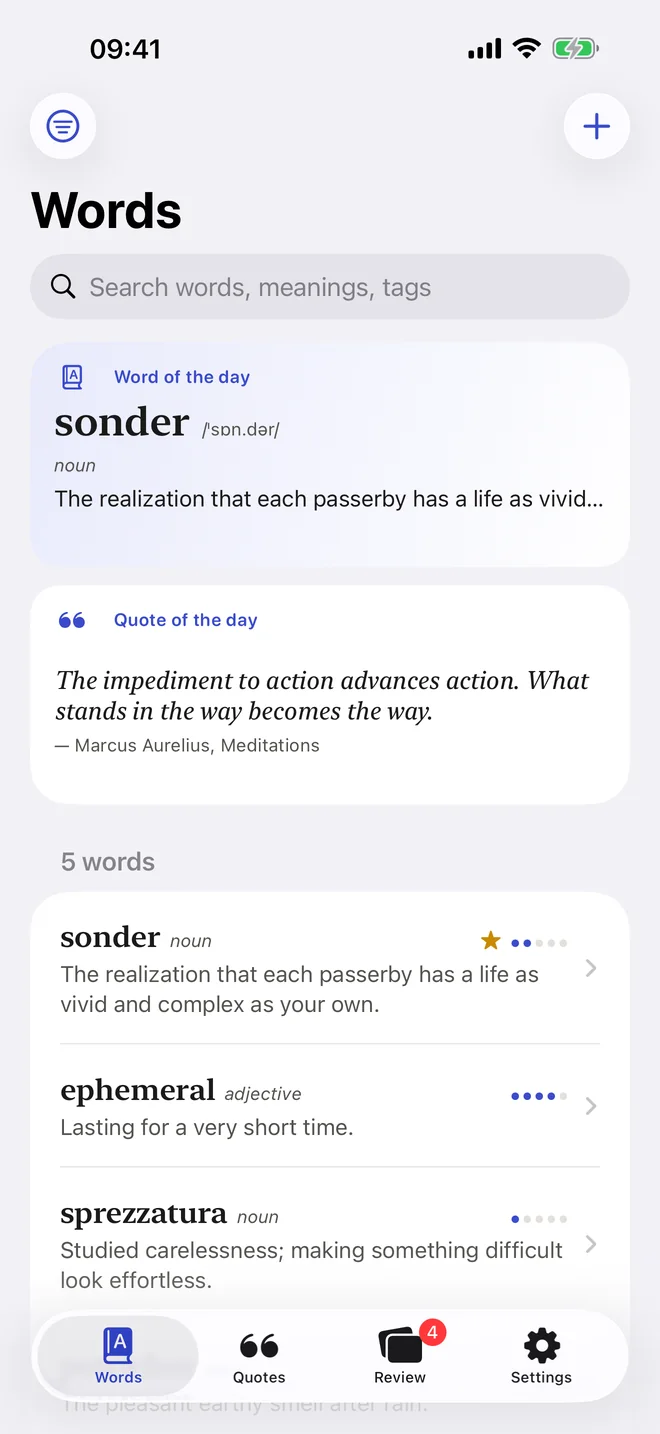
Learn
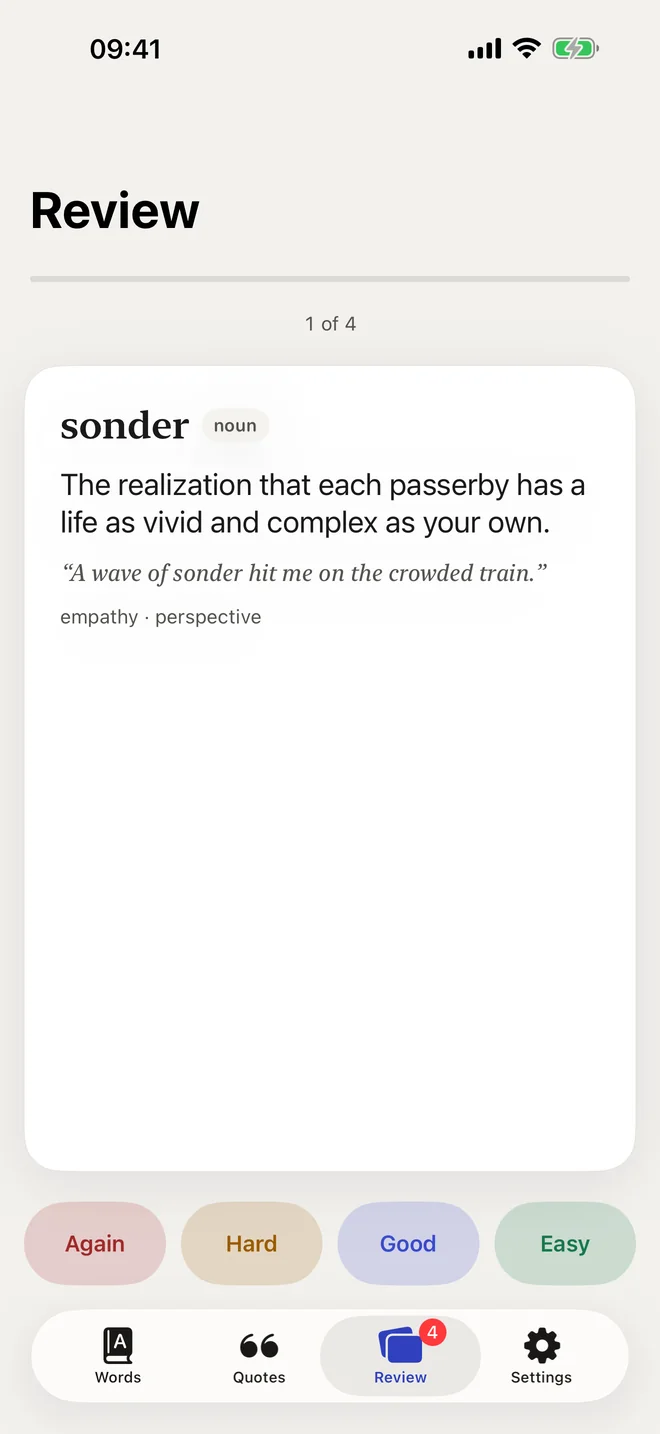
Spaced repetition brings each word back just before you'd forget it. Miss one and it returns in ten minutes; the ones you know come back less and less often.
Meaning, part of speech, examples and origin from a free dictionary. Add your own AI provider for the rest.
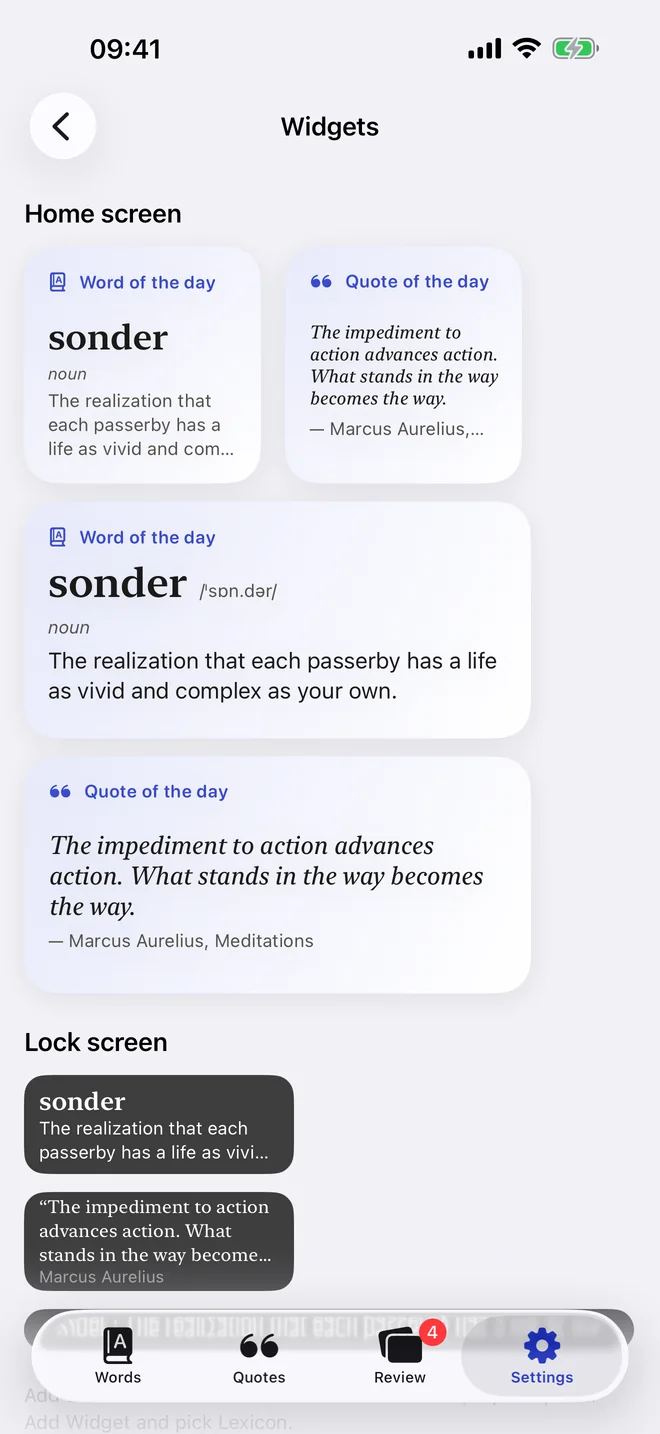
Small, medium and large widgets for the Home Screen, and two for the Lock Screen.
Write your own sentence and your AI tells you if it fits.
Share text from any app, add a word with Siri, or open the web app in any browser.
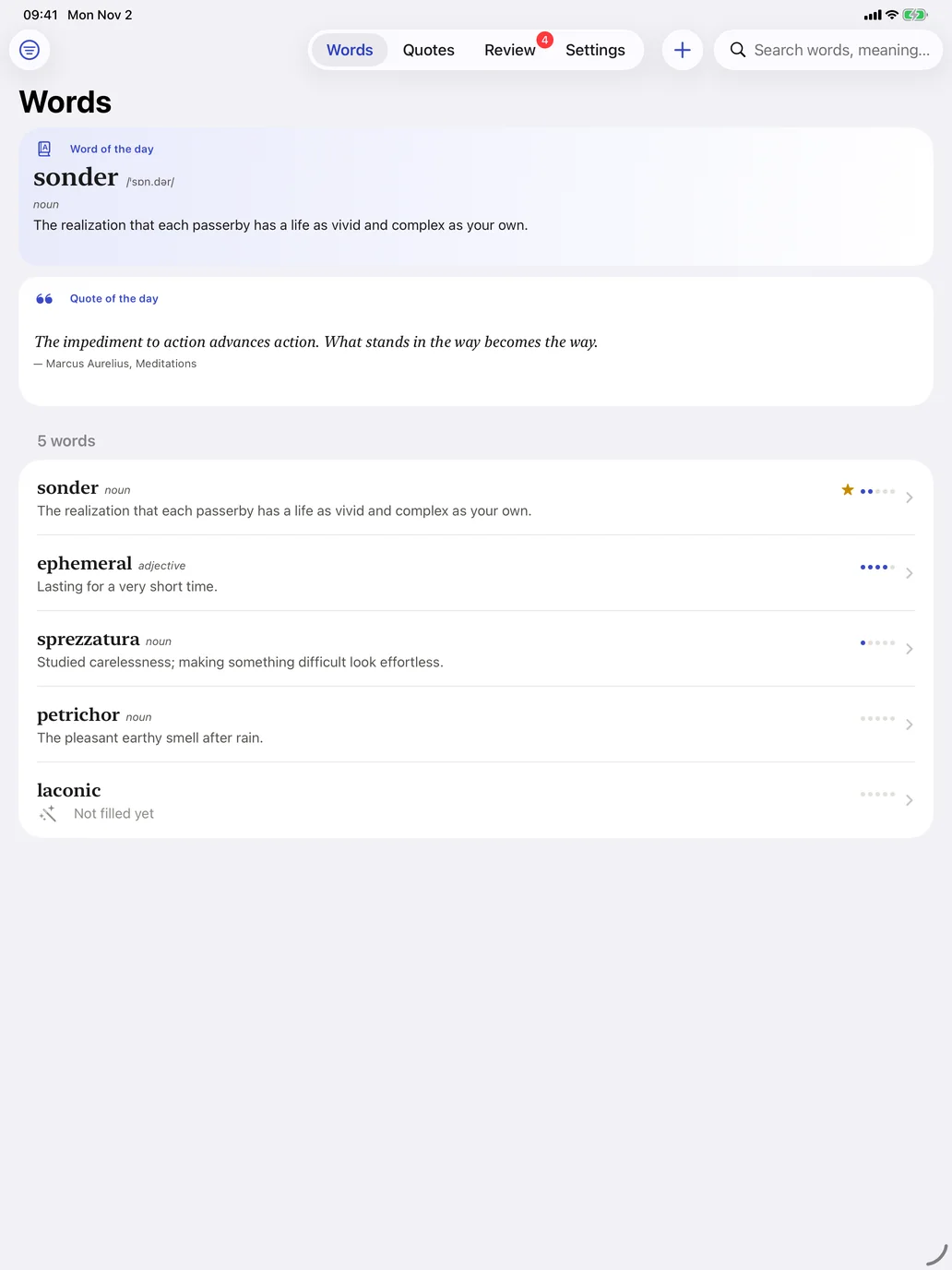
Tags, favorites and search across everything you've saved.
iPad
Private
Every account gets a notebook of its own. Nothing is shown to anyone else, and nothing is sold.
Self-hosted
Any computer that stays on will do. The server has no dependencies and keeps everything in one SQLite file.
On a Mac, a Linux box, a Raspberry Pi or a small cloud server.
Pick a long random token. Only someone who has it can open your notebook.
node --env-file=.env server/index.jsGive the server an HTTPS address with a reverse proxy or tunnel, then enter it and your token in the app.
Make a free account, connect your AI and start growing your vocabulary in a minute.